

Two machines can carry the same graphics card name, cost about the same, and still deliver very different amounts of gaming. The question of gaming pc vs gaming laptop which is better is not really about raw speed — it is about where your money goes once it leaves your hand. Some of it buys frames, some buys a chassis able to cool those frames, and some buys portability you may never actually use.
Key Takeaways
- A laptop GPU can run roughly 20–40% slower than the desktop card sharing its name, because power and cooling limits — not the chip — set the ceiling.
- A desktop’s real advantage is not speed on day one, it is that you can replace one part at a time and sell the old one.
- Laptops bundle a screen, keyboard, trackpad and battery; a desktop’s sticker price does not include any of them.
- In a laptop, the CPU and GPU are almost always soldered down — RAM and storage are usually the only upgrades you get.
- Buy the laptop when you genuinely move; buy the desktop when the machine is going to sit on one desk for years.
Gaming PC vs Gaming Laptop: Which Is Better for the Money?
The short answer: a desktop gives you more gaming per dollar and a much longer useful life, and a laptop charges you a real premium for the ability to pick it up and leave. If your machine will live on one desk, the desktop is the better value almost every time. If you move between a dorm, an office and home — or you simply will not use a computer that cannot move — the laptop premium is buying you something real, and calling it “bad value” misses the point.
What makes this question confusing is that the two are usually compared by spec sheet, where they look far closer than they are. The same model name on a laptop GPU and a desktop GPU does not mean the same performance.
What You Get at Each Price Tier
Thinking in tiers is more useful than thinking in models, because the models turn over every year and the tiers behave the same way year after year.
Entry level
At the bottom of the range, the desktop wins clearly. An entry-level tower will comfortably handle 1080p at high frame rates in most competitive titles. An entry-level gaming laptop at the same money is usually making three compromises at once: a weaker GPU, a dimmer and slower screen, and a cooling system that runs out of headroom within minutes. This is the tier where the gap is widest and where a laptop is hardest to justify on value alone.
Mid range
This is where laptops become genuinely reasonable. A mid-range gaming laptop will play current titles well at its native resolution, the screens get good enough to matter, and the cooling is usually adequate rather than apologetic. A mid-range desktop still delivers more frames, but the gap narrows from “obvious” to “noticeable.”
Premium
At the top, you are mostly paying for headroom. A premium desktop can absorb a much bigger, hotter GPU than any laptop chassis will ever fit, so the ceiling keeps rising. A premium laptop instead spends your money on thinness, build quality, and an excellent display — all real things, none of which are frames per second.
The Hidden Line Items in a PC Gaming Setup Comparison
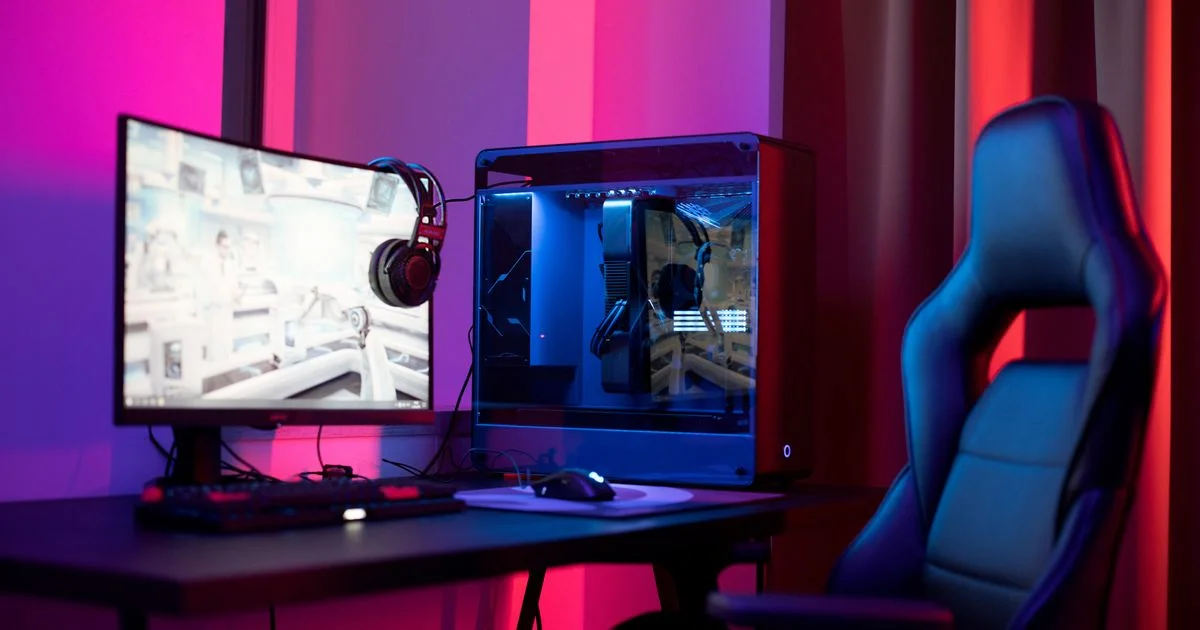
Any honest pc gaming setup comparison has to count what is not in the box. A laptop arrives complete: display, keyboard, trackpad, speakers, webcam and a battery. A desktop tower arrives as a tower. Before it plays a single game you also need:
- A monitor — the single biggest add-on, and the one people most often under-budget
- A keyboard and a mouse
- Headphones or speakers
- A desk and chair that suit sitting in one place for hours
None of this makes the desktop a bad deal, but it does mean a tower and a laptop at the same sticker price are not the same purchase. Compare complete setups, not boxes. The flip side: those accessories outlive the machine. Your monitor and keyboard carry over to the next build, while a laptop’s screen and keyboard are thrown away with the laptop.

Features That Cost a Lot and Change Little
Several things reliably inflate the price on both sides of this decision while doing very little for how the machine actually feels to use:
- RGB lighting and tempered glass. Pure aesthetics. Enjoy them if you want them, but recognize you are buying decoration, not performance.
- Extreme refresh rates you cannot feed. A very high refresh screen is wasted if your GPU cannot push frames near that number in the games you actually play.
- 4K panels on small laptop screens. On a 15- or 16-inch display the sharpness gain is modest, and the frame rate cost is not.
- Thinness, past a point. Ultra-slim gaming laptops charge a premium and then run hotter and louder for it, because there is less room to move air.
- Pre-built “gaming” bundles. Kits that bundle a low-grade keyboard, mouse and headset add cost for peripherals you will want to replace.
Where Buying Cheap Genuinely Costs You Later
Being honest about value means saying where cutting the budget backfires — and on this decision it usually backfires in the laptop.
The core issue is repairability and upgrades. In most gaming laptops the CPU and GPU are soldered to the board and cannot be swapped; typically only RAM and storage can be upgraded. When performance stops being enough, the answer is a whole new laptop. Repairs are expensive too, because parts are proprietary and the labor is specialized. External GPU enclosures exist as an escape hatch, but they add real cost and complexity and still underperform a native desktop connection.
A desktop degrades far more gracefully. You can upgrade the GPU, CPU, RAM, storage, power supply and even the case one piece at a time, and sell the outgoing part to offset the next one. That is why the same amount of money spread over five years buys noticeably more gaming on a desktop.
The other place cheap hurts is cooling. An underbuilt cooling system does not announce itself in a spec sheet — it shows up half an hour into a session as clocks drop, fans scream, and frame rates sag. Under-spending on airflow is the classic false economy in both towers and laptops.
Laptop Gaming vs Desktop: Cost Per Year of Use
The clearest way to compare laptop gaming vs desktop is to stop looking at purchase price and look at cost per year of useful life. A desktop bought today can be kept relevant with a GPU swap in year three and a CPU swap in year five, and its monitor and peripherals may survive two full machines. A laptop is generally replaced whole. Even when the laptop’s sticker price is lower, the desktop tends to cost less per year over any horizon longer than about three years.
Here is the trade-off, without the spec sheet:
| What you care about | Better choice | The trade-off you accept |
|---|---|---|
| Most frames for the money | Desktop | It stays where you put it |
| Playing in more than one place | Laptop | You pay a premium and give up upgrades |
| Longest useful life | Desktop | Requires willingness to open the case |
| Smallest total footprint | Laptop | Hotter, louder, and harder to repair |
| Sustained performance in long sessions | Desktop | Higher power draw and more desk space |
| Doubling as a work and school machine | Laptop | Lower ceiling in demanding titles |
| Cheapest entry into PC gaming | Desktop | Budget for a monitor and peripherals too |
If you want a simple way to decide, work through it in order:
- Ask honestly how many times a month the machine will actually be moved. If the answer is zero, buy a desktop.
- Set the budget for the whole setup, not the box — include a monitor, keyboard and mouse if you are going the desktop route.
- Decide your target resolution and refresh rate, then buy the GPU that feeds it rather than the highest number you can reach.
- Check what can be upgraded later, and treat soldered RAM as a reason to buy more of it now.
- Spend what is left on cooling and a good screen, not on lighting.
Frequently Asked Questions
A few questions come up constantly once people start pricing both options side by side.
Is a gaming laptop ever the better value?
Yes — when you genuinely use the portability, and when it replaces a second machine. If it is both your gaming rig and the laptop you take to class or work, you are buying one device instead of two, and that changes the math entirely.
Why is the same graphics card slower in a laptop?
Because the name refers to the chip, not the power and cooling it is given. In a laptop, that chip runs under much stricter power and thermal limits, so a same-named GPU can land roughly 20–40% behind its desktop counterpart depending on the design.
What is the best gaming device 2026 for someone starting out?
For a first machine that will live on a desk, a mid-range desktop is the strongest starting point for best gaming device 2026 shoppers — it costs less per frame, and it can be improved a piece at a time instead of replaced. Start with a solid GPU and adequate cooling, and upgrade storage and RAM later as needed.
Do I need to build the desktop myself to get the value?
No. Building it yourself saves money, but the bigger advantage — being able to replace one part at a time — applies to a pre-built tower too, as long as it uses standard parts and has a power supply with some headroom.
The Bottom Line
A desktop buys you more performance now and a longer life afterward, which is why it wins almost every pure value comparison. A laptop buys you the freedom to play somewhere other than one desk, and if you will genuinely use that freedom, it is worth paying for. Decide which of those two things you actually need first, and the rest of the spec sheet gets much easier to read.


2 Comments
Comments are closed.