

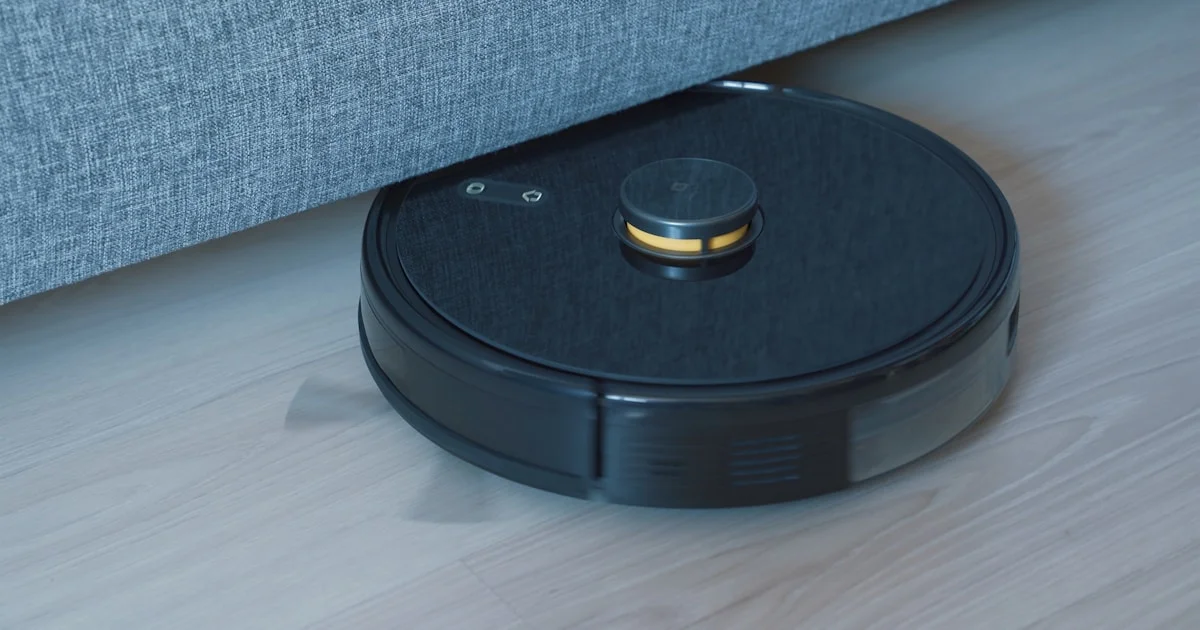
Hardwood floors show every crumb, pet hair, and dust bunny that carpet would hide, which is exactly why so many hardwood-floor households lean on a robot vacuum for daily upkeep. The best budget robot vacuums for hardwood floors don’t need a four-figure price tag to do the job well — several models under $300 now handle daily debris, pet hair, and even light mopping. Here’s what actually works, and what you can skip.
Key Takeaways
- Hardwood floors are the easiest surface for a robot vacuum to clean well, so you don’t need flagship-tier suction to get strong results.
- LiDAR-based navigation maps your home more accurately than camera or sensor-only navigation, which matters for avoiding furniture legs and stairs.
- A self-emptying base adds convenience but also adds $50–$100+ to the price — decide if you actually want to empty a bin weekly instead.
- Suction power above roughly 6,000Pa is plenty for hardwood; higher numbers mostly help with thick carpet, which most hardwood-floor homes don’t have much of.
- Mopping is a nice bonus on sealed hardwood but isn’t a substitute for a proper mop on sticky spills.
Best Budget Robot Vacuums for Hardwood Floors in 2026
The short answer: for most hardwood-floor homes, the Dreame D10 Plus Gen 2 is the strongest overall pick under $300, combining LiDAR mapping, a self-emptying base, and independently tested debris pickup rates near 99% on hard floors. If you want to spend less, the Ecovacs Deebot N20 Pro comes in around $200 and still handles daily dust and pet hair well, just without the self-emptying convenience. Either way, you’re getting real cleaning performance without paying flagship prices.
Affordable Robotic Vacuum for Wood Floors: What Actually Matters
An affordable robotic vacuum for wood floors doesn’t need every feature a $1,000+ flagship offers. Wood floors are low-resistance for a vacuum’s brush and wheels, so the features that matter most are navigation accuracy (so it doesn’t scratch baseboards or get stuck under furniture), a brush design that doesn’t scatter debris instead of picking it up, and a dustbin or dock large enough that you’re not emptying it daily.
Features worth paying for
- LiDAR or vSLAM navigation: Maps rooms more precisely than bump-and-turn navigation, which means fewer missed spots and fewer collisions with furniture.
- Multi-floor mapping: Useful if you have more than one level, so the vacuum remembers each floor’s layout separately.
- App scheduling: Lets you set cleaning times around your schedule instead of remembering to start it manually.
Features you can skip on a budget
- Hot-water mop washing and drying — nice, but adds significant cost for a feature many hardwood households won’t use daily.
- Extreme suction ratings above 10,000Pa — overkill for bare floors, mostly marketed toward thick-carpet households.
Cheap Auto Vacuum Cleaner Comparison
Here’s how five well-reviewed models stack up if you’re shopping for a cheap auto vacuum cleaner that still performs on hardwood.
| Model | Best for | Trade-off |
|---|---|---|
| Dreame D10 Plus Gen 2 | Best overall value, self-emptying base included | Basic mop pad, not for tough stains |
| Ecovacs Deebot N20 Pro | Lowest price, still handles daily debris well | No self-emptying base |
| Roborock Q7 M5 | Strongest suction in this price range, great for pet hair | No self-emptying base |
| Roborock QV 35S | Faster mapping, self-emptying dock, longer runtime | Priced above the strictest budget tier |
| Roborock Saros 10R | Flagship-level hard floor pickup if budget stretches | Well above budget pricing |

Best Value Robot Vacuum Under $200: Is It Worth It?
If your ceiling is strictly a best value robot vacuum under 200 budget, the Ecovacs Deebot N20 Pro is the clearest option that doesn’t feel like a compromise for everyday hardwood cleaning. Here’s how to decide if going this route makes sense for your home:
- Choose sub-$200 if: You have a single level of mostly hardwood or tile, don’t mind emptying the bin weekly, and want basic scheduled cleaning without extras.
- Step up to $250–$300 if: You want a self-emptying base, multi-floor mapping, or you have pets shedding enough hair to fill a small bin fast.
- Skip robot vacuums entirely if: Your home has a lot of cords, low-clearance furniture, or loose rugs that bunch up — these trip up most budget models regardless of price.
A few things that make any budget pick perform better on hardwood:
- Clear cords and small objects off the floor before each cleaning cycle — they’re the most common cause of a stuck robot.
- Set up virtual no-go zones in the app around stairs, pet bowls, and cable clusters.
- Run it on a consistent schedule rather than occasionally — daily light cleaning outperforms weekly deep cleaning on hardwood dust.
How Long Should a Budget Robot Vacuum Last?
Most budget and mid-range models are built to last three to five years with normal use, though the parts that wear out first are usually the brush rolls, filters, and battery rather than the motor itself. Buying a model with widely available replacement parts is worth checking before you buy, since some smaller brands stop selling spare brushes and filters within a year or two of a model’s release.
Maintenance that extends the vacuum’s life
Empty the dustbin (or check the self-emptying base’s bag) on a consistent schedule, wipe down the sensors monthly so navigation stays accurate, and replace the main brush roll roughly every six to twelve months depending on how much hair and debris it’s picking up. None of this takes more than a few minutes, but skipping it is the most common reason a budget vacuum starts underperforming after the first year.
Frequently Asked Questions
Here are the questions that come up most when shopping for a budget robot vacuum for hardwood floors.
Will a robot vacuum scratch my hardwood floors?
Reputable models use soft rubber wheels and brush guards designed not to scratch sealed hardwood. The bigger risk is a vacuum bumping into furniture repeatedly due to poor navigation, so a model with LiDAR or camera-based mapping is the safer choice for floors you care about.
Do I need mopping if I already have hardwood floors?
Mopping is a nice extra for maintaining shine between deeper cleans, but a robot’s built-in mop pad won’t replace an actual mop for sticky spills or grime buildup. Treat it as light daily maintenance, not a deep clean.
How much suction do I actually need for hardwood?
Around 6,000Pa is enough for typical hardwood debris like dust, crumbs, and pet hair. Suction ratings above 10,000Pa mainly benefit thick carpet, so don’t pay extra for a spec that won’t matter on bare floors.
Is a self-emptying base worth the extra cost?
If you have pets or a larger home, yes — it cuts down on maintenance significantly. For a smaller, single-level hardwood home with light debris, a manual-empty model can save you money without much added hassle.
The Bottom Line
Hardwood floors are one of the easiest surfaces for a budget robot vacuum to clean well, so there’s little reason to overspend on flagship suction or premium mopping features you won’t use daily. Pick based on navigation quality and how much manual maintenance you’re willing to do, and a sub-$300 model will keep your floors noticeably cleaner between deep cleans.


1 Comment
Comments are closed.