

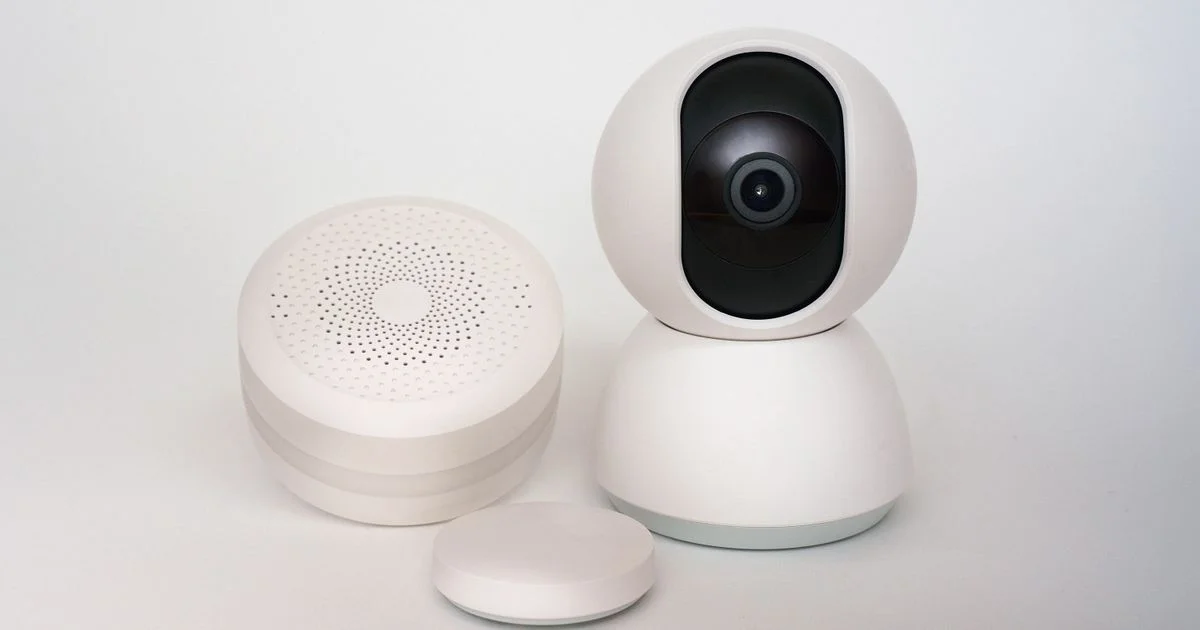
A smoke alarm that just screams when something’s burning is better than nothing, but it can’t tell you which room the smoke is coming from, or send an alert to your phone when you’re not home. The best smart smoke detector adds exactly that layer — app alerts, interconnected alarms, and sometimes carbon monoxide detection in the same unit — without turning fire safety into a subscription you have to babysit. This guide walks through battery versus hardwired options, what “smart” actually adds, and which setup fits a single apartment versus a whole house.
Key Takeaways
- Google’s Nest Protect, long the best-known smart smoke detector, has been discontinued — most current buying guides now point to the First Alert SC5 as the closest replacement.
- Battery-powered smart alarms are easier to install in a rental, while hardwired models with battery backup suit a house you own and plan to stay in.
- “Interconnected” alarms trigger every unit in the house at once, which matters far more in a multi-story home than a studio apartment.
- Some smart detectors need a separate wireless hub to enable app alerts; others connect directly over WiFi with no extra hardware.
- Not every smart smoke detector works with Google Home, Alexa, or Apple Home — check compatibility before assuming yours will fit an existing smart home setup.
Best Smart Smoke Detector: The Short Version
The short answer: for most households, the First Alert SC5 Battery Smart Smoke & Carbon Monoxide Alarm is the safest default pick — it comes in both battery and hardwired versions, uses dual sensors to catch different fire types, and works with Google Home. If cost per unit matters more and you’re covering a whole house, the X-Sense combo pack covers more rooms for less, though it needs its own wireless hub and skips smart assistant integration. For a whole-home system that also tracks air quality and gas, the Place Smart detector goes further, at a noticeably higher price and without smart assistant support.
WiFi Smoke Alarm Review: What “Smart” Actually Means Here
A useful wifi smoke alarm review starts by separating marketing from function. “Smart” in this category usually means one or more of: a phone app that shows real-time status, push alerts when an alarm triggers, self-testing that checks the sensor and battery automatically, and interconnection with other alarms in the house so one triggering sets them all off. It does not always mean the alarm talks directly to your WiFi router — some models, like the X-Sense combo, rely on a separate hub that then connects to WiFi, rather than each alarm joining your network individually.
The dual-sensor approach used by the First Alert SC5 — combining photoelectric and electrochemical sensors — is worth specifically looking for, since it’s built to catch both smoldering fires and fast-flame fires more reliably than a single-sensor design.

Battery vs. Hardwired: Which Smart Alarm Fits Your Home
Battery-powered smart alarms are the easier install by far — no electrician, no cutting into ceiling wiring, and they can move with you if you’re renting. The trade-off is remembering to replace batteries, though most current models use long-life batteries rated for years rather than months. Hardwired models, wired into your home’s electrical system with a battery backup for outages, are the standard in new construction and make more sense if you already own the home or are renovating anyway. The First Alert SC5 is unusual in offering both versions with the same mounting bracket, which is part of why it’s frequently recommended as a Nest Protect replacement — installers and homeowners already familiar with that bracket don’t need to patch or repaint the ceiling to switch.
Best Smart Fire Detector Comparison
This best smart fire detector comparison focuses on what changes room to room and household to household, since per-unit pricing shifts with multi-packs and sales too often to stay accurate for long.
| Detector | Power | Best for | Trade-off |
|---|---|---|---|
| First Alert SC5 | Battery or hardwired (same bracket) | Households wanting Google Home support and dual-sensor detection | Fewer extra features than the discontinued Nest Protect |
| X-Sense Smart Smoke/CO Combo | Battery only | Covering many rooms affordably, app alerts for up to 12 people | Needs a separate hub; no smart assistant support |
| Place Smart Detector | Hardwired with battery backup | Whole-home monitoring of smoke, CO, gas, and air quality in one device | Highest price; no smart assistant integration |
Smoke Detector with App Alert: What You Actually Get
A smoke detector with app alert is only as useful as what the app actually tells you. At minimum, look for a push notification the moment an alarm triggers, plus which specific unit triggered it if you have more than one — that alone can save minutes in an emergency by telling you which room to check first. Better implementations, like the X-Sense system, also show live battery and sensor status for every unit in the app, so you’re not discovering a dead battery only when the alarm starts chirping at 2 a.m. One real limitation worth knowing: hub-based systems like X-Sense’s typically need a working internet connection for app alerts to reach your phone, so a home internet outage can mean the alarm still sounds locally but doesn’t notify your phone.
Whole-Home Coverage and Multi-Room Setups
For anything larger than a one-bedroom apartment, interconnection matters more than any single feature on the spec sheet. An alarm going off in a basement that no one hears from an upstairs bedroom defeats the purpose of early warning. A few things worth checking before buying for a multi-room home:
- Confirm the alarms are interconnected wirelessly, not just individually smart — some budget “smart” alarms only alert your phone and don’t trigger other units in the house.
- Check the manufacturer’s stated maximum number of interconnected units, since some hub-based systems cap how many alarms can join one network.
- Plan coverage per level of the home and near sleeping areas first, then kitchens and common areas, rather than buying one unit and hoping it covers the whole house.
- If considering a whole-home system like Place that also tracks gas and air quality, decide whether you actually want that data or just want reliable smoke and CO coverage — the extra sensors add cost.
Installation and Interconnection: What to Check Before Buying
Most smart smoke detectors advertise a quick setup — the First Alert SC5 is commonly cited at around ten minutes per unit — but the real time cost is usually pairing every alarm to the app and to each other, not the physical mounting. Before buying multiple units, confirm whether interconnection happens automatically out of the box or requires manually adding each alarm through an app, since the second approach takes meaningfully longer across a whole house. It’s also worth testing the alarm’s self-test feature once installed rather than waiting for a real emergency to find out whether the sensor is actually reporting back to the app.
Frequently Asked Questions
A few questions come up constantly when people start shopping for a smart smoke detector.
Is Nest Protect still available to buy?
No — Google has discontinued Nest Protect. Existing units may still work, but it’s no longer sold new, which is why most current buying guides point to alternatives like the First Alert SC5 instead.
Do smart smoke detectors need a hub?
Some do, some don’t. Hub-based systems like X-Sense route alerts through a separate device that connects to WiFi, while other models connect individually. Check this before buying if you want to avoid extra hardware.
Will a smart smoke detector work during a power outage?
Battery-powered models keep working as normal. Hardwired models are required to include battery backup in most areas, so they should still sound locally, though app alerts may not reach your phone if your home internet or router is also down.
Can one alarm trigger all the others in my house?
Only if the alarms are interconnected, either wirelessly or through a hub. This isn’t guaranteed just because a detector is labeled “smart” — confirm interconnection specifically if you’re covering more than one room.
Conclusion
The best smart smoke detector for your home depends on whether you’re covering one room or an entire house, and how much you value smart assistant integration versus raw coverage. Whichever model you choose, prioritize dual-sensor detection and confirmed interconnection over extra app features — those two decide how fast you actually find out about a fire.


