

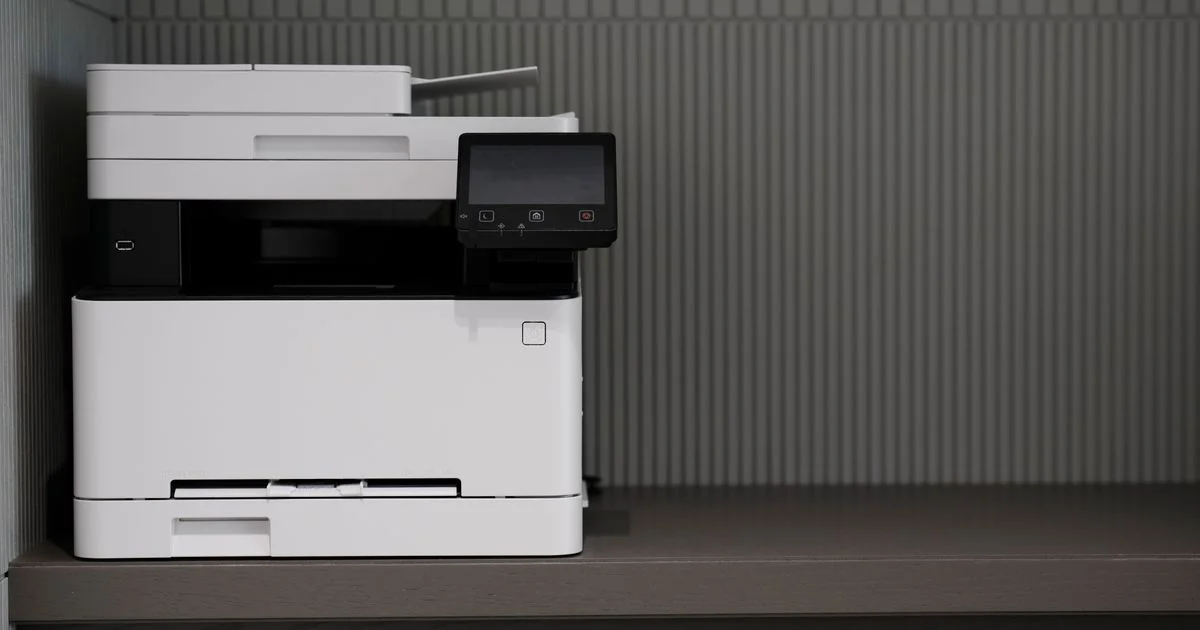
Working from home almost always means printing more than you expected — shipping labels, school permission slips, tax forms, the occasional boarding pass. A bad printer turns every one of those into a fight with paper jams, streaky pages, or ink that dried out from disuse. The best budget printer for home office use doesn’t need a big price tag; it needs to match how often you actually print and whether color matters to you. This guide breaks down inkjet versus laser, ink-tank versus cartridge, and which type of buyer each one really fits.
Key Takeaways
- Ink-tank inkjets, like Epson’s EcoTank line, cost more upfront but cut your per-page ink cost dramatically if you print often.
- A monochrome laser printer is the cheapest way to print a lot of black-and-white text, but it can’t do color or double as a scanner.
- Cartridge-based inkjets with subscription ink plans can be affordable month to month, but get expensive fast once you’re off the plan.
- WiFi and WiFi Direct printing are standard even on budget models now — you shouldn’t have to pay extra for wireless.
- Automatic duplex (two-sided) printing saves paper over time and is worth prioritizing over a slightly faster print speed.
Best Budget Printer for Home Office: The Short Version
The short answer: if you print more than a ream of paper a month, an ink-tank inkjet like the Epson EcoTank ET-2850 tends to pay for itself within a year or so through cheaper refills. If you mostly print black-and-white text and don’t need color or scanning, a monochrome laser like the HP LaserJet M209dw is the least expensive option per page over the long run. If you print only occasionally, a basic cartridge inkjet works fine — the real risk there isn’t the sticker price, it’s cartridges drying out between uses.
Inkjet vs. Laser: Which Fits Your Home Office
Inkjet printers spray liquid ink and handle color, photos, and glossy paper well, which makes them the default choice for most home offices that print anything besides plain text. Laser printers fuse toner powder onto the page with heat, and they’re built for volume: they chew through stacks of text documents faster and the toner doesn’t dry out sitting unused for weeks, unlike inkjet cartridges.
If your printing is mostly forms, resumes, and shipping labels, a monochrome laser is hard to beat on cost per page. If you ever print a photo, a flyer with color, or a kid’s school project, you’ll want an inkjet in the house regardless of how rarely you use it.
Ink-Tank Printers: Why the Higher Sticker Price Pays Off
An affordable inkjet printer review almost always comes down to one question: cartridges or tanks? Ink-tank printers, like Epson’s EcoTank series, replace small disposable cartridges with refillable tanks you fill from ink bottles. The printer itself costs more on day one, but each refill bottle covers hundreds of pages at a fraction of the cost of cartridge ink. For a household that prints a few hundred pages a month — homework, work-from-home documents, the occasional photo — the EcoTank ET-2850 is a common recommendation because it also includes automatic duplex printing, WiFi, WiFi Direct, and USB or Bluetooth connections, along with decent scanning quality for a budget model.
The trade-off is speed: ink-tank models aren’t the fastest printers on the market. If you need to blast through a 50-page document in a hurry, that’s more of a laser strength.

Best Home Printer Comparison 2026: Our Top Picks
This best home printer comparison 2026 table keeps things qualitative on purpose — ink and toner pricing shifts often enough that a specific cents-per-page number here would be stale within months. What doesn’t change as quickly is what each type of printer is actually good at.
| Printer | Type | Best for | Trade-off |
|---|---|---|---|
| Epson EcoTank ET-2850 | Ink-tank inkjet | Frequent home printing, occasional photos, lowest long-term ink cost | Higher upfront price, average print speed |
| HP LaserJet M209dw | Monochrome laser | High-volume black-and-white text, sharp fonts | No color, no scanner |
| HP OfficeJet Pro 9012e | Cartridge inkjet, all-in-one | Home offices that print, scan, and fax regularly | Slower color printing, bulkier footprint |
| Brother MFC-J1010DW | Cartridge inkjet, all-in-one | Borderless photo printing, touchscreen control | Cartridge ink economy is weaker than ink-tank models |
Printer for Students Ranked: What Changes on a Dorm Budget
A printer for students ranked by dorm-room practicality looks different from a family home office pick. Space is tight, printing is bursty (nothing for weeks, then a rush of essays before finals), and the printer usually needs to travel at least once a year. For that pattern, a compact cartridge inkjet like the HP Envy line is often the better fit than an ink-tank model — it’s smaller, lighter, and the lower up-front cost matters more than long-term ink savings when total print volume is low.
The catch is the same one that applies to any low-volume inkjet: cartridges left unused for a full semester can dry out or clog. If a printer will sit idle over school breaks, plan on printing a test page every few weeks, or lean toward a laser model instead if color printing isn’t a priority.
Setup and Connectivity: What Actually Matters
Nearly every current budget printer supports WiFi, so the connectivity question is really about the extras layered on top. A short list of what’s worth checking before you buy:
- Confirm automatic duplex (two-sided) printing is included — it’s not universal on entry-level models, and it saves real money on paper over a year.
- Check whether the printer needs a companion app for basic functions like scanning to your phone, since some budget models handle this better than others.
- Look at paper tray capacity if you print frequently — a 100-sheet tray means refilling constantly compared to a 250-sheet tray on office-focused models.
- Verify the printer supports both WiFi and WiFi Direct, since WiFi Direct lets you print without a home network at all, which matters for dorms or temporary setups.
How Much You’ll Really Spend on Ink or Toner
The printer’s price tag is only half the cost of ownership. Ink-tank refill bottles are the cheapest way to keep printing long-term, and a full set of bottles typically lasts a family printer many months of regular use. Laser toner cartridges cost more per cartridge than inkjet cartridges but print far more pages before running out, which is why a monochrome laser wins on cost per page for text-heavy printing. Cartridge-based inkjets without a subscription plan are the most expensive path per page, especially for anyone who prints only a little at a time and ends up replacing cartridges before they’re anywhere near empty.
Subscription ink programs like HP Instant Ink can flatten that cost into a predictable monthly fee based on pages printed rather than cartridges bought, which suits low-volume printers who don’t want to think about ink levels — just weigh whether you’ll actually hit the plan’s page allowance before paying for it.
Frequently Asked Questions
A few questions come up constantly when people are choosing a printer for the first time in years — here’s the short version of each.
Is an ink-tank printer worth it for occasional home use?
Usually not. Ink-tank printers earn back their higher price through cheap refills, which only pays off if you’re printing enough to need those refills. If you print a handful of pages a month, a basic cartridge inkjet is cheaper overall, as long as you print often enough to keep the ink from drying out.
Can a laser printer print in color?
Color laser printers exist, but they cost significantly more than monochrome laser models and usually aren’t marketed as “budget.” Most affordable laser printers, including the ones in this guide, are monochrome only — fine for text, useless for photos or color flyers.
Do I need a printer with a built-in scanner?
If you ever need to send a signed document, scan a receipt, or digitize a form, yes — it’s worth paying the small premium for an all-in-one over a print-only model. Most budget inkjets bundle scanning in anyway.
How long do budget printers actually last?
With normal home use, a few years is typical before print quality or reliability starts to slip, though how well it ages depends more on how it’s cared for — running cartridges dry, leaving ink-tank printers unused for long stretches, and skipping printhead cleanings all shorten a printer’s useful life faster than age alone.
Conclusion
There’s no single best budget printer for every home office — the right pick depends entirely on how much you print and whether color matters. Match the printer type to your actual habits rather than the lowest price tag, and the ink or toner costs will take care of themselves over time.


